We use cookies on this website to ensure its proper functioning and to improve the quality of our services. Cookie Policy
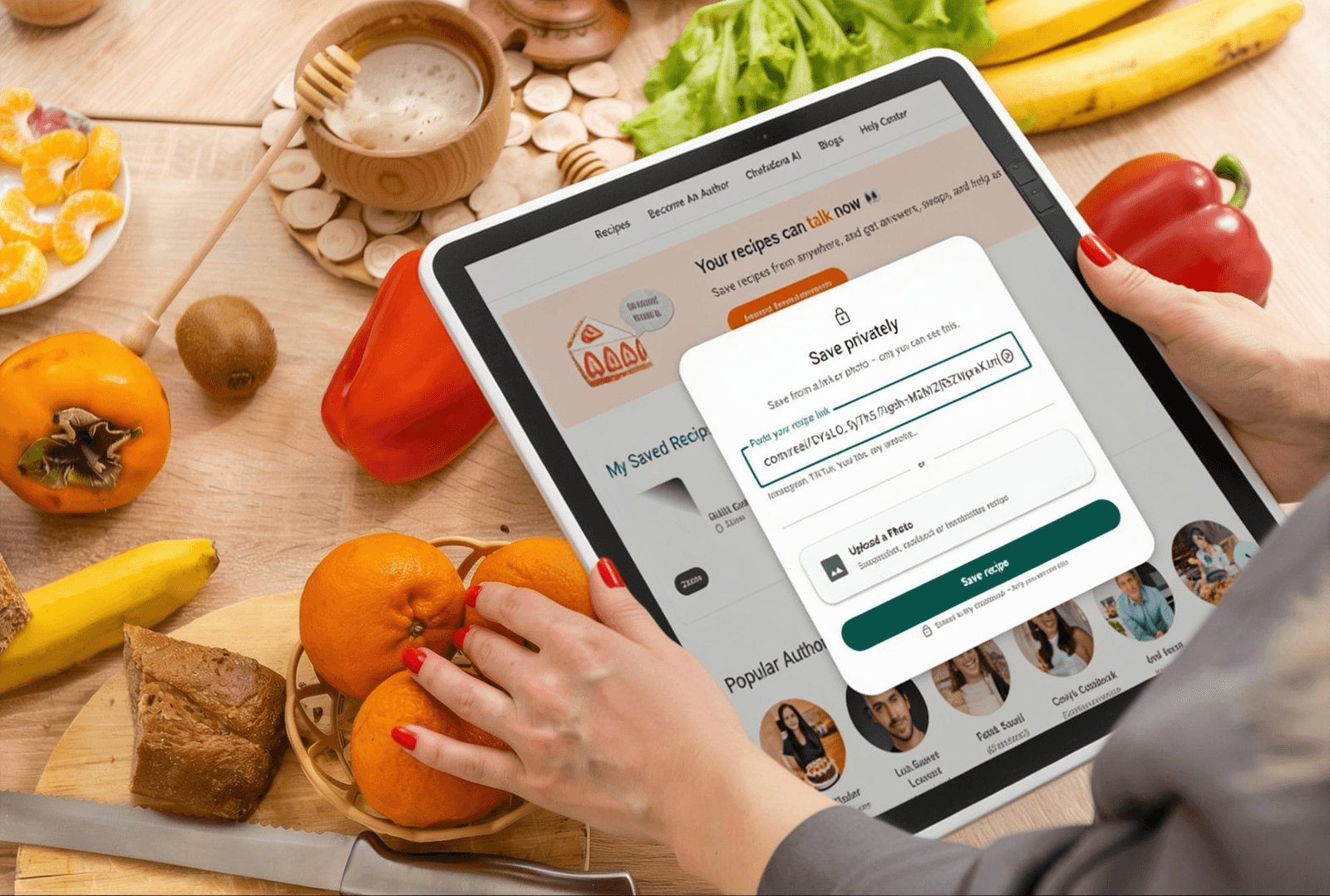
The best way to store recipes from websites is to import them directly into a private collection using Chefadora's Recipe Import feature. Paste the URL, the recipe saves to your account - clean, private, and yours permanently, even if the original website disappears.
You found it. The pasta dish. The one that looked exactly right, with the sauce-to-pasta ratio someone finally got correct. You bookmarked it, maybe even texted the link to yourself, and moved on.
Three weeks later, when you actually want to make it, the bookmark is buried three folders deep, the website is slow-loading with five pop-up ads, or the page simply doesn't exist anymore. Research from Cook'n found that 38% of web pages disappear over time. Recipes are no exception.
This is the real problem with saving recipes from websites. Not finding them - that part's easy. Keeping them in a way that actually works when you're standing in your kitchen at 6pm is what fails.
Here's how to store recipes from websites properly, privately, and for good.
Most people don't have a recipe saving problem. They have a recipe keeping problem.
Finding a recipe takes seconds. Keeping it in a usable, searchable, always-available format is where everything falls apart. The average recipe website loads fifteen to thirty ads, autoplay videos, and newsletter overlays before you get to the actual ingredients. The recipe itself might be buried under a thousand-word story about someone's childhood kitchen. And even if you push through all of that to get to the good part, the ways most people try to save it are almost guaranteed to fail them later.
The recipe saving problem isn't new. But the solutions have gotten much better - and most people don't know they exist.
Before getting to what actually works, here's why the three most common approaches don't:
Browser bookmarks. A bookmark saves a link, not a recipe. If the website changes its URL structure, gets taken down, or goes behind a paywall, your bookmark becomes a dead end. You also can't search bookmarks by ingredient, scale the servings, or check off steps while cooking. A folder of recipe bookmarks looks organised until you need to use it.
Screenshots. Screenshots save the page as you saw it at that moment, which sounds useful until your camera roll has 800 of them mixed in with everything else. You can't search a screenshot by ingredient. You can't copy the ingredient list into a shopping app. And good luck reading one with flour on your hands.
Texting or emailing links to yourself. This works for the first recipe. After a dozen, your message thread is a graveyard of URLs you'll never scroll back to find, half of which now open to a page that no longer exists.
All three of these approaches save a reference to a recipe rather than the recipe itself. That distinction is what matters. When the website goes down, the reference becomes worthless. What you need is to save the actual content - ingredients, steps, method - into a collection that belongs to you.
The right way to store recipes from websites is to import them directly into a private collection - one where the content is extracted from the webpage and stored under your account, completely independent of whether the original website stays live.
This is what the Recipe Import feature at Chefadora.com does.
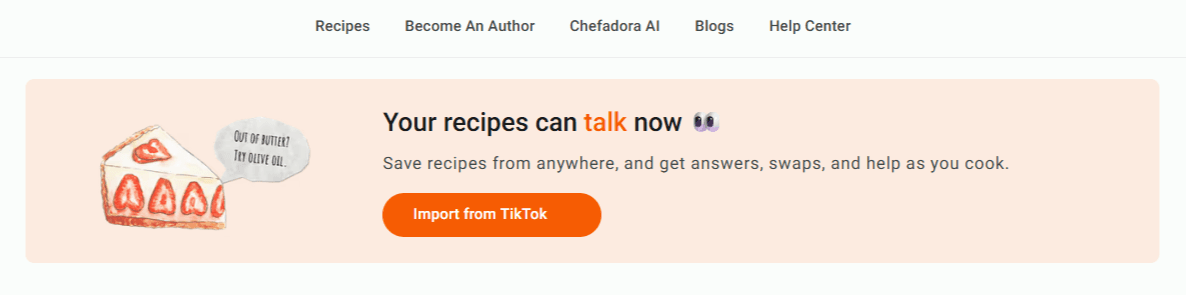
When you import a recipe from a website into Chefadora, the full recipe - ingredients, method, cooking times - is extracted and saved to your private collection. Not a link. Not a screenshot. The actual recipe, structured and searchable, visible only to you.
Your private collection on Chefadora is invisible to other users. Nobody browsing the platform can see it. Nothing you save privately appears in any public feed or search result. It's the equivalent of a personal digital cookbook that exists only in your account.
And because the content is saved to Chefadora rather than linked from the original source, your recipes stay available even if the original website goes offline, gets paywalled, or disappears entirely.
The whole thing takes about a few minutes. Here's exactly what to do.
Open Chefadora and tap Import. This is your starting point whether you're importing a link or a photo.
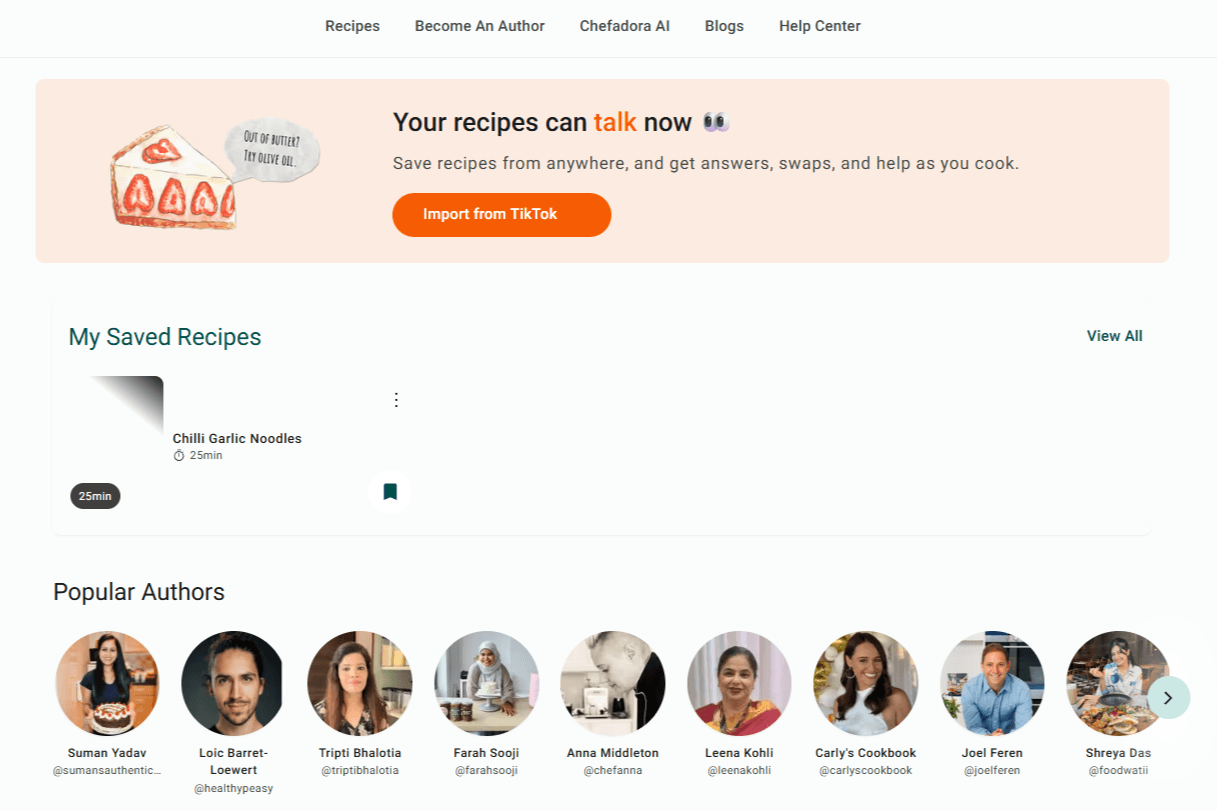
This is the only step that changes depending on where your recipe is.
Copy the URL of the post, video, or page. Paste it into the box. Any public link from any platform works.
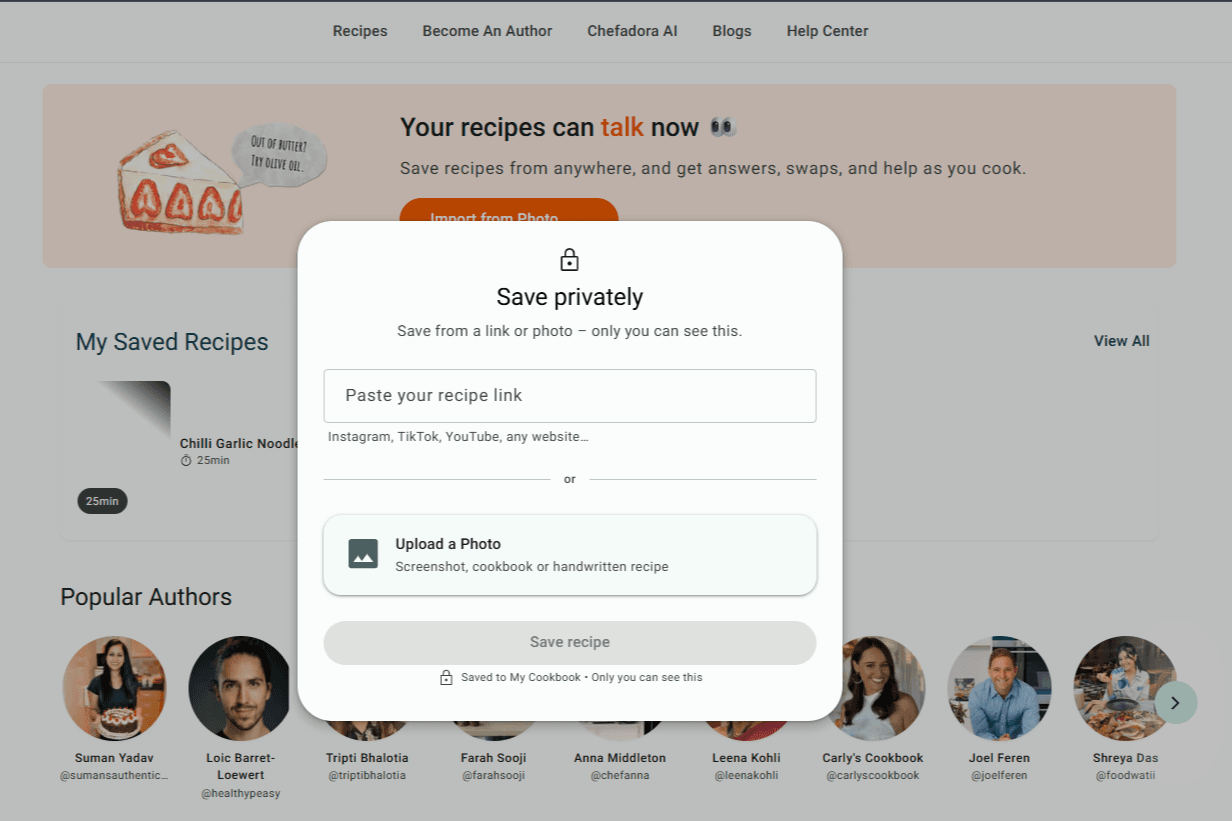
Tap the option to upload images. Take clear photos of your recipe - good daylight makes a big difference - and upload them. Multiple images are supported. If the recipe runs across two cards or three pages, upload them all together at once.
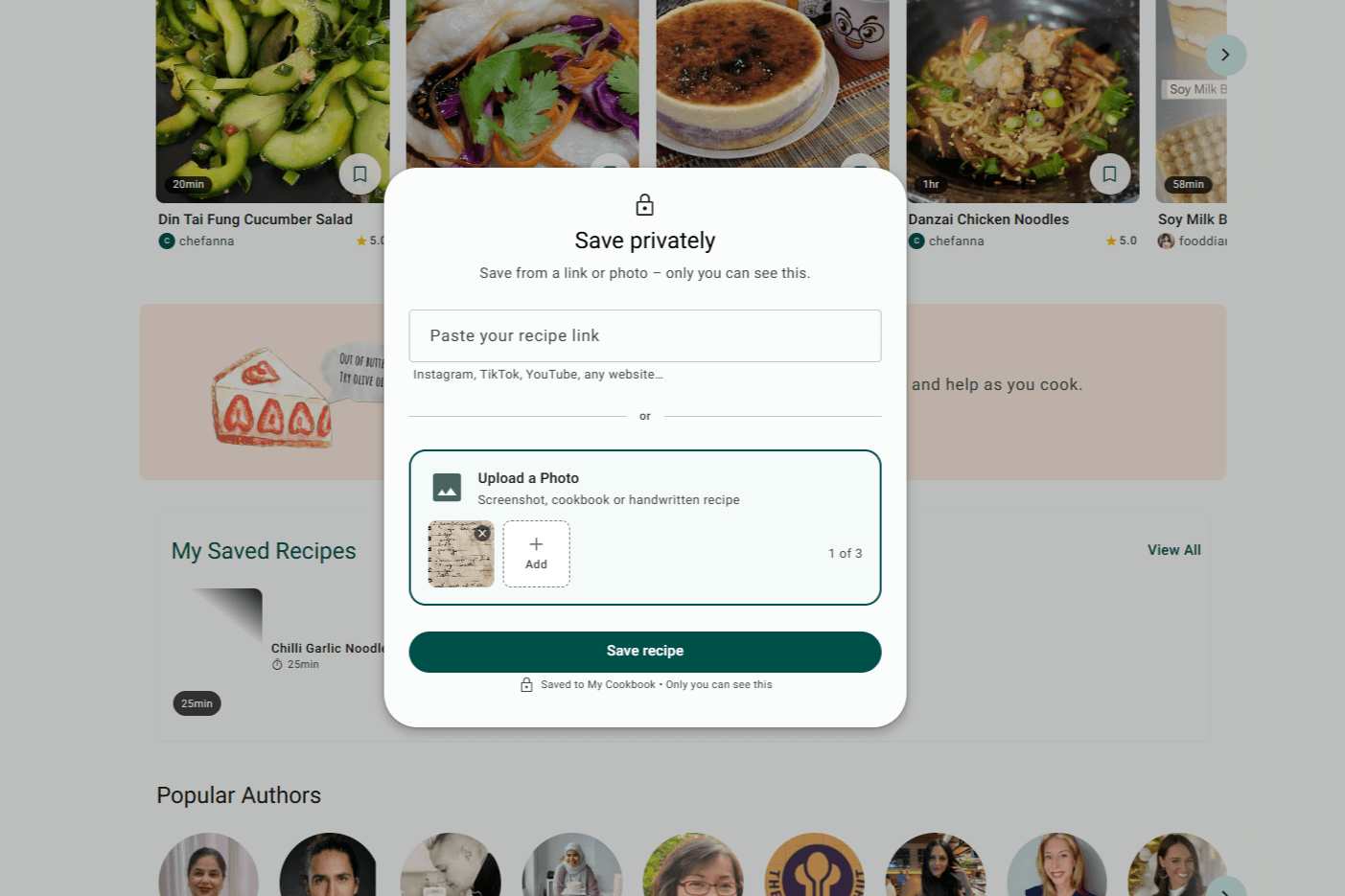
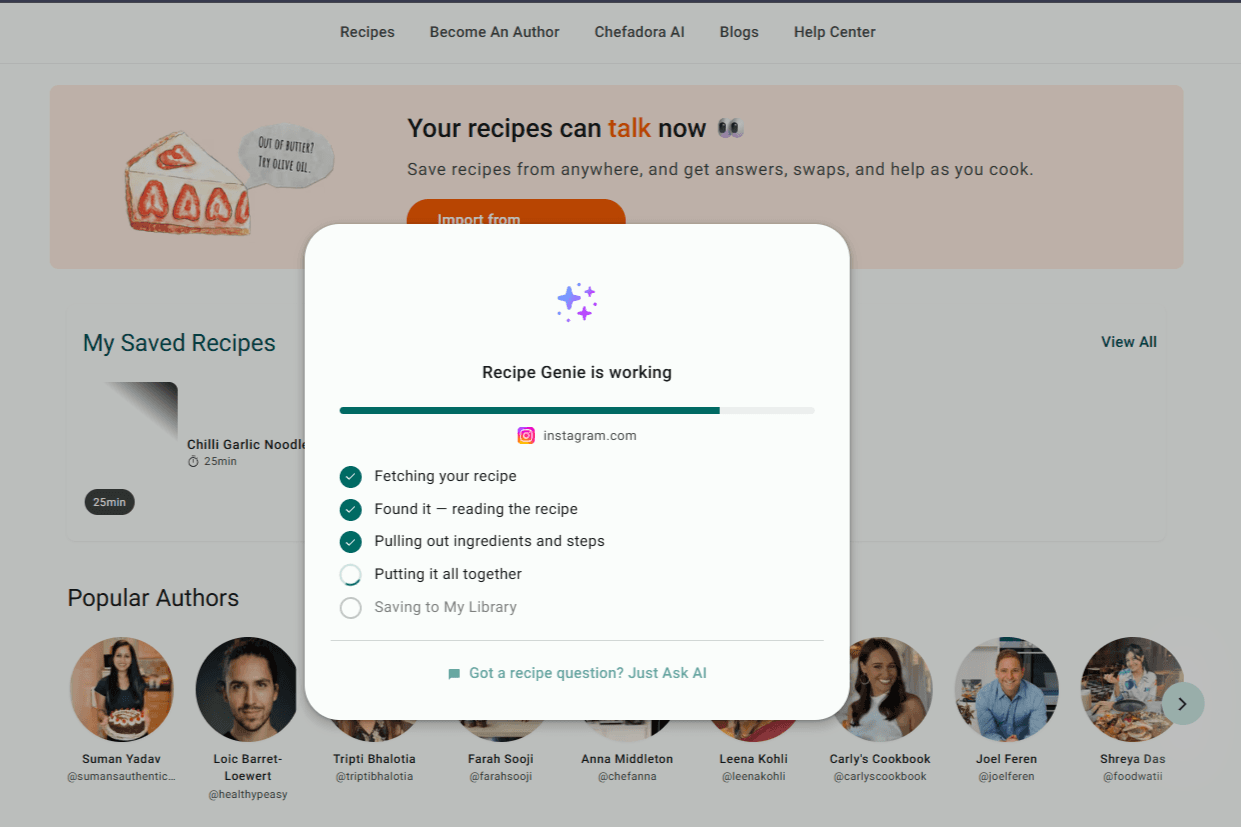
Tap Save Recipe and Recipe Genie gets straight to work - reading your recipe, pulling out every ingredient, sorting the steps, and formatting everything into a clean recipe page. It usually takes a couple of minutes. Worth every second.
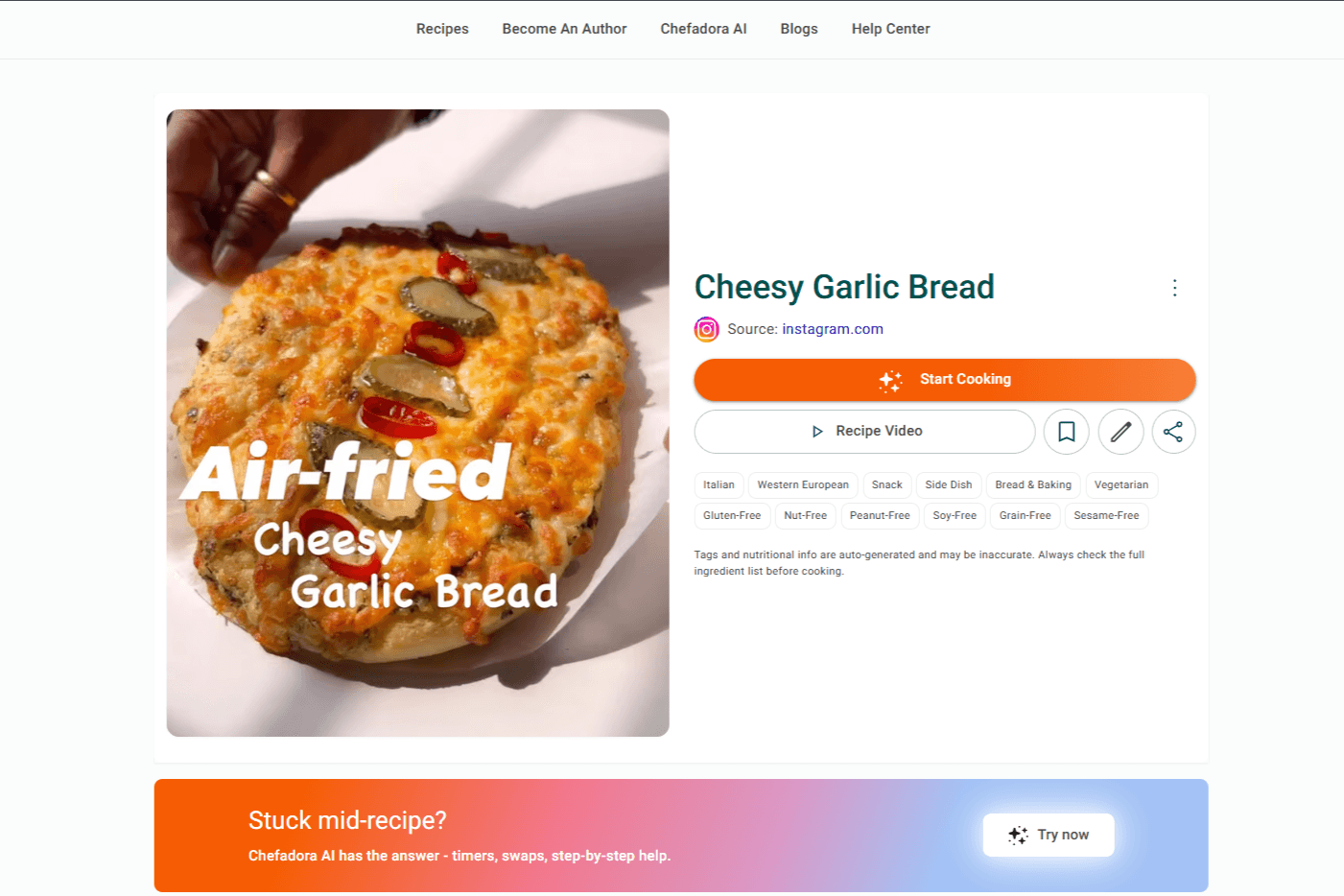
You'll land on a clean, formatted recipe page. The chaos of a video caption, a faded handwritten card, or a cluttered food blog page is gone. What's left is just a recipe you can actually cook from.
Scroll down to find your full ingredient list and step-by-step instructions.
Change the serving size and every ingredient quantity updates automatically. No mental maths, no guessing.
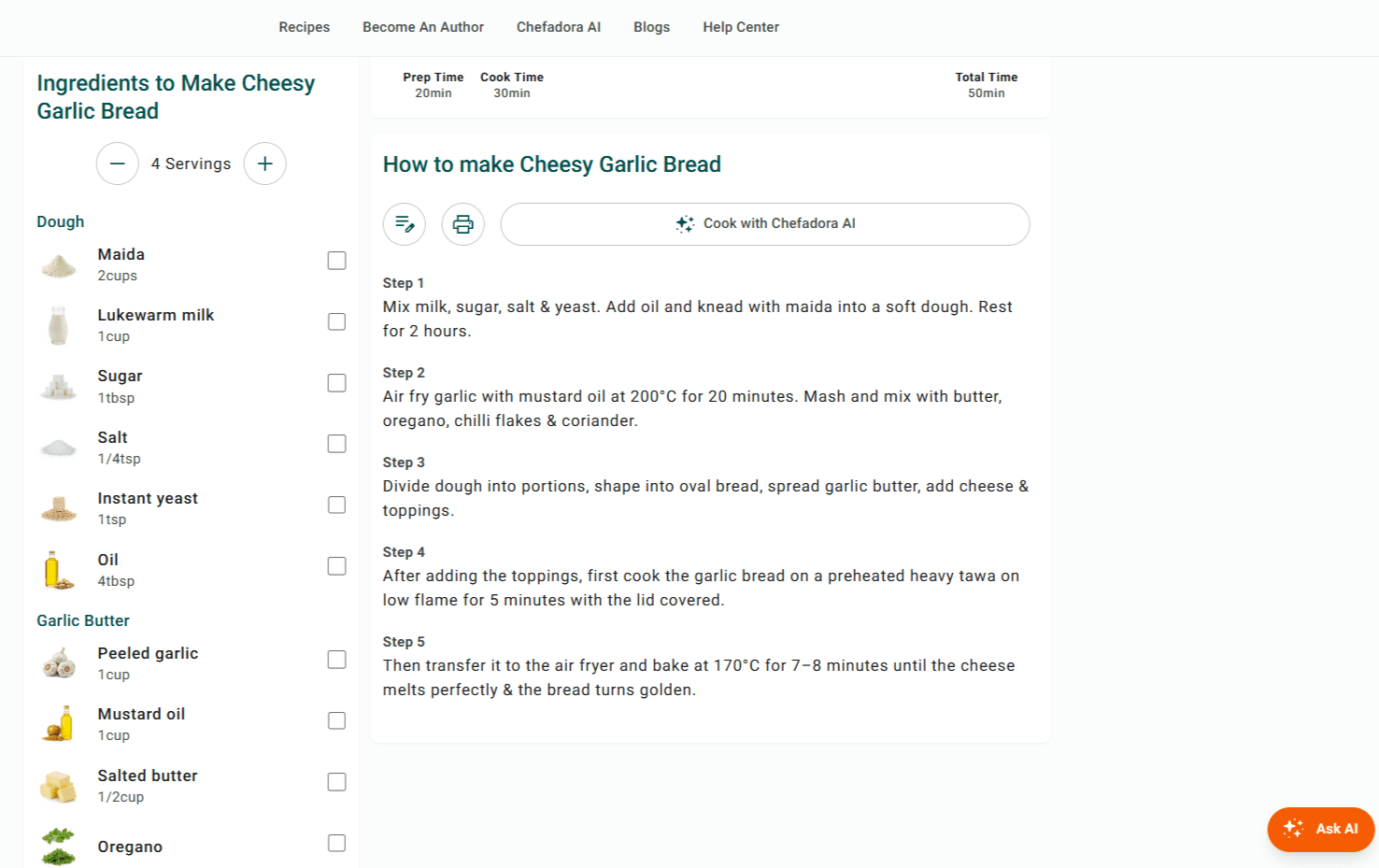
Confused by a step? Missing an ingredient? Something's gone sideways? Tap Ask AI and type your question - your answer is right there on the page, without leaving the recipe.
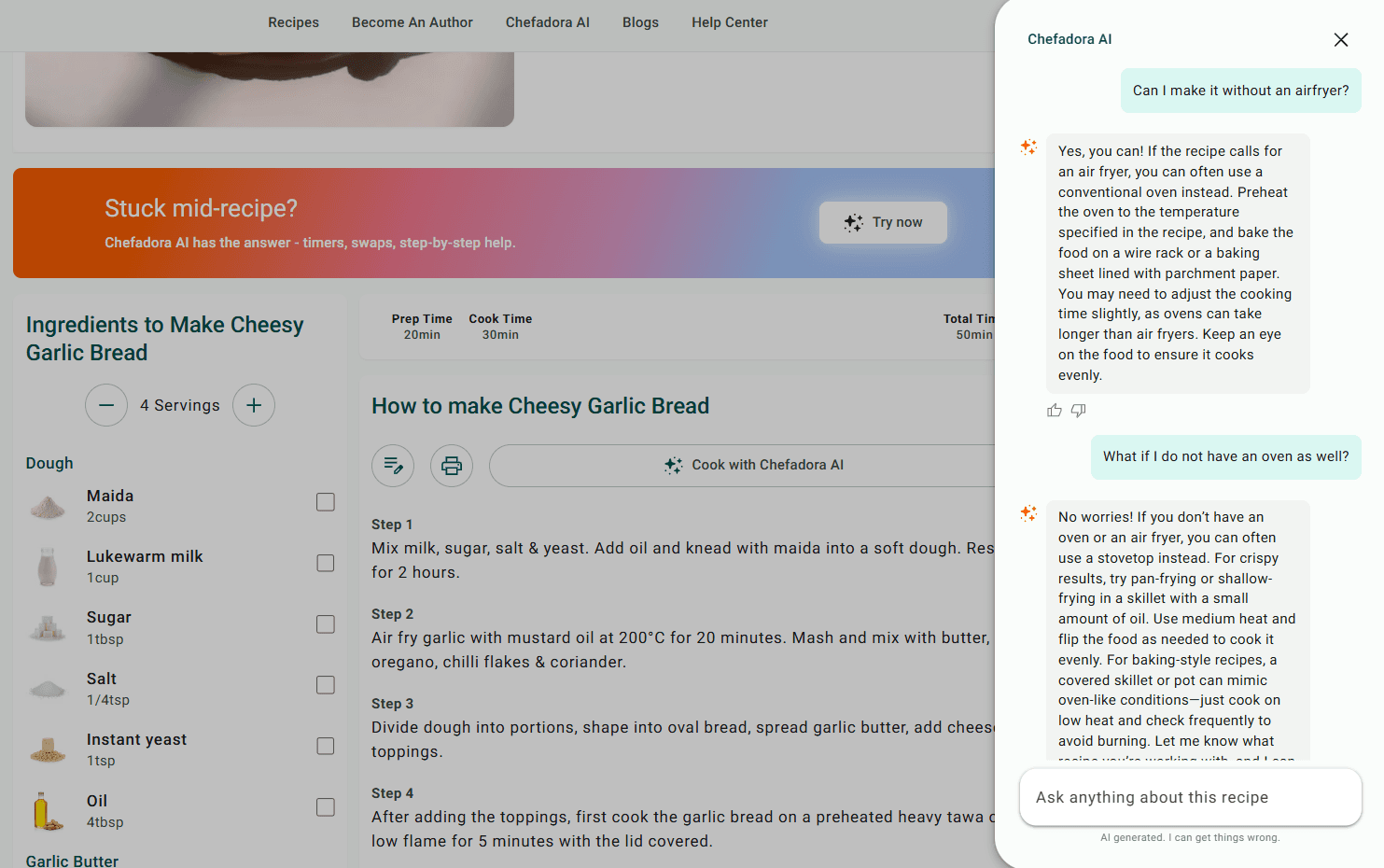
And that's it.
Your recipe is sitting in your Saved Recipes section - formatted, ready to cook from, and there every time you need it. No extra steps, no hunting for it later.
Ready to start? Import your first recipe for free - no card required, no catch.
Chefadora's Recipe Import is designed to work with the vast majority of food blogs, recipe websites, and online cooking platforms. If a website uses standard recipe formatting - which most major food sites do - the import extracts cleanly.
This includes recipe content from food blogs, cooking platforms, newspaper recipe sections, and independent creator sites. You paste the URL and Chefadora handles the extraction.
For pages that use non-standard formatting or load content dynamically, results may vary - but for the recipe websites most home cooks actually use day to day, the import works reliably.
One thing worth knowing: Recipe Import works on publicly accessible pages. If a recipe is behind a login, paywall, or member-only section, you'd need to be logged in on that site first before the import can access the content.
Privacy is one of the things that separates Chefadora's Recipe Import from generic bookmarking tools or social recipe-saving features.
When you save a recipe to your private collection on Chefadora:
It's not visible to other Chefadora users. Recipes in your private collection don't appear in any public search, feed, or discover section. Nobody browsing Chefadora will find them.
It's not indexed by search engines. Private recipes on Chefadora are not crawled or indexed. They don't appear in Google search results. Your collection exists only inside your account.
It's only accessible to you. Your private collection requires your login to access. Family recipes, experimental dishes, recipes you're still testing - all of it stays between you and your account.
This matters for a few reasons. Some people are saving recipes they're developing and don't want to share yet. Some are collecting family recipes they want to keep personal. Some just want a clean, private digital cookbook without their saved recipes becoming part of a public platform's database. Chefadora's private collection handles all of these use cases.
Most recipe-saving tools are one-directional. You save a recipe, and it stays saved. That's the end of the feature.
Chefadora is different because it's a recipe platform, not just a recipe saver. Everything you store privately can, at your discretion, be published - turned into a public recipe page that other cooks can find, use, and share.
This is useful if you save a recipe, cook it a few times, make it your own, and decide it's worth sharing. You don't need to start from scratch. Your private save becomes the foundation. You can edit it, add your own photos, adjust the method, and publish it - turning a recipe you imported for personal use into a page that earns ad revenue and gets discovered through search.
This is something no other recipe-saving tool offers. Apps like Paprika, Flavorish, or OrganizEat are closed systems. What you save stays inside the app. Chefadora gives you an exit ramp to publication if you ever want it - without requiring it.
Chefadora is a platform for home cooks from 190+ countries - people saving family recipes, collecting ideas from food blogs, and building private digital cookbooks alongside others who publish and share.
Whether you want to keep everything private or eventually share what you've saved, the Recipe Import feature gives you a permanent, ad-free copy of every recipe you find.
Paste your first URL and see how it works. Your account is free, your collection is private, and none of it requires an app.
Ready to start? Import your first recipe for free - no card required, no catch.
Q1. How do I store recipes from websites?
A1. The most reliable way to store recipes from websites is to import them directly into a private collection rather than bookmarking the link. With Chefadora's Recipe Import feature, you paste the URL of any recipe page and the full recipe - ingredients, method, cooking times - is extracted and saved to your account permanently. It's accessible only to you and remains available even if the original website goes offline.
Q2. What is the best way to save recipes online?
A2. The best way to save recipes online is to use a recipe importer that extracts the actual content from the page rather than saving a link. Bookmarks break when URLs change or sites go down. Importing the recipe content itself means your collection stays intact regardless of what happens to the source website. Chefadora's Recipe Import does this for free, with no app download required.
Q3. Can I save recipes from any website?
A3. Chefadora's Recipe Import works with the vast majority of food blogs, recipe platforms, and cooking websites that use standard recipe formatting. You paste the URL and Chefadora extracts the recipe. For publicly accessible pages on standard food sites, the import works reliably.
Q4. Is Chefadora's Recipe Import free?
A4. Yes. Recipe Import is a free feature on Chefadora. There's no subscription required to access it. You need a free Chefadora account, which takes under a minute to create.
Posted on 19 Jun 2026
Save recipes from anywhere, and get answers, swaps, and help as you cook.

